
JGOOT Subscription
Cancellation Instructions
***Please note--JGOOT has several subscription products. These instructions will work to cancel any JGOOT subscription.
We're sad to see you go!
Please follow the steps below to cancel your subscription.
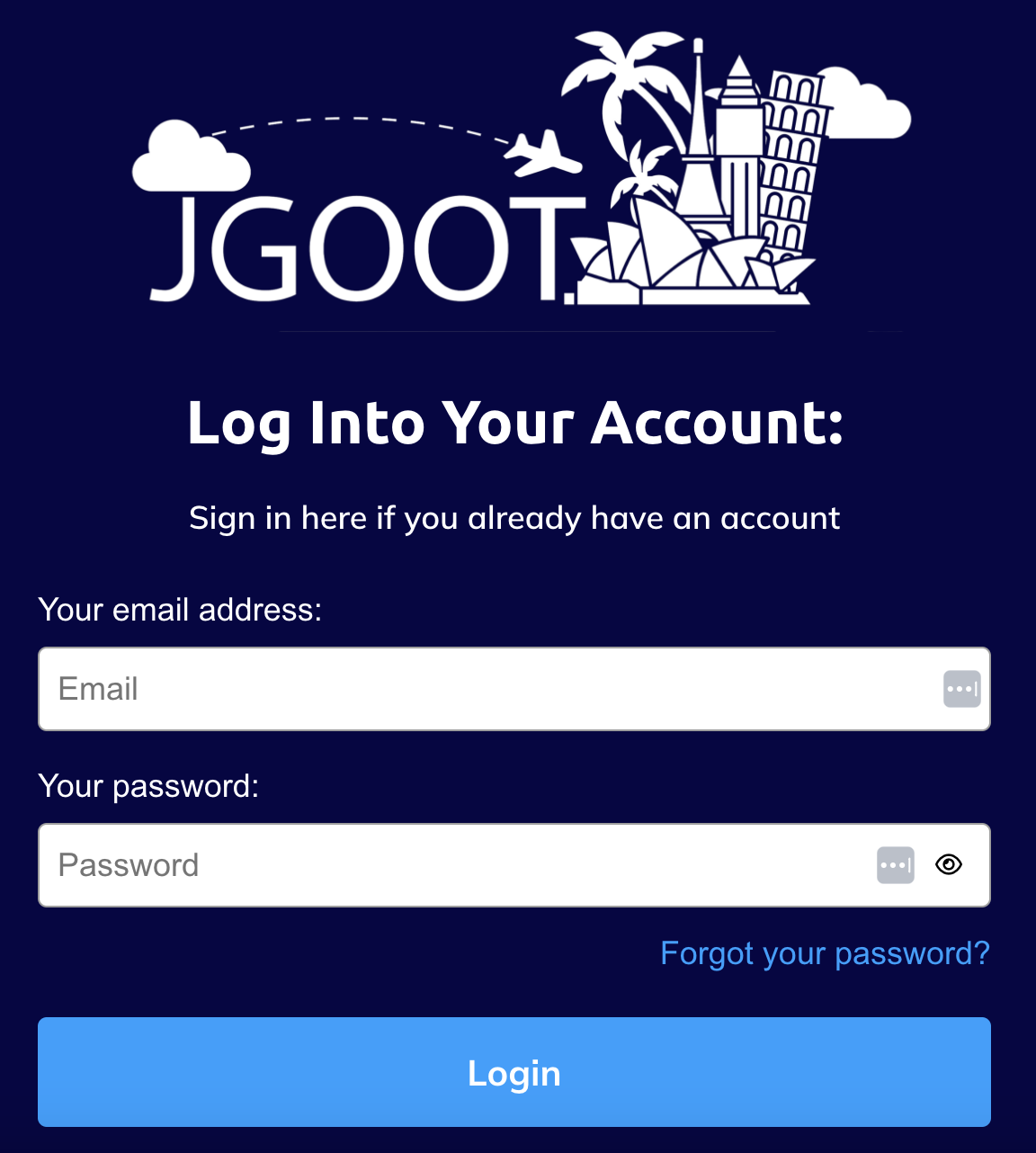
To access your JGOOT account, please go to jgoot.com/school and sign in.
To access your personal subscription settings, click your "Profile Picture" in the top right, then "Settings" . From the settings menu on the left, click "Manage my subscriptions" to display a list of your active subscriptions .
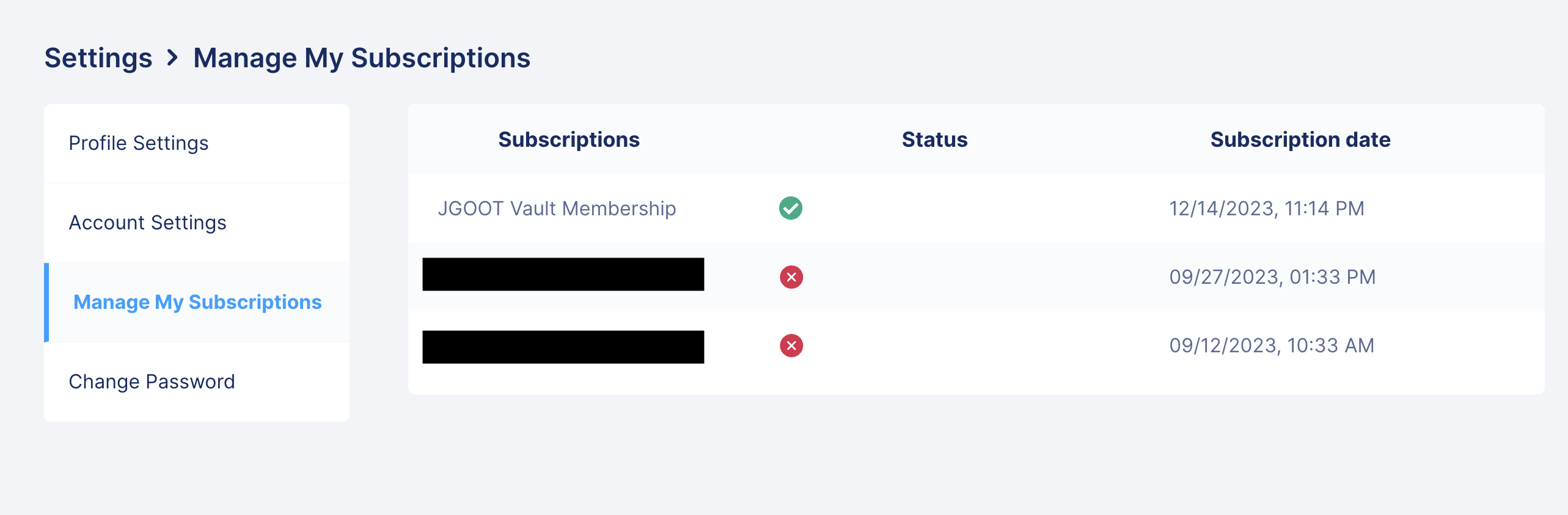
Locate the subscription you want to cancel. To the right of your selected subscription, click the trash can to cancel your subscription.

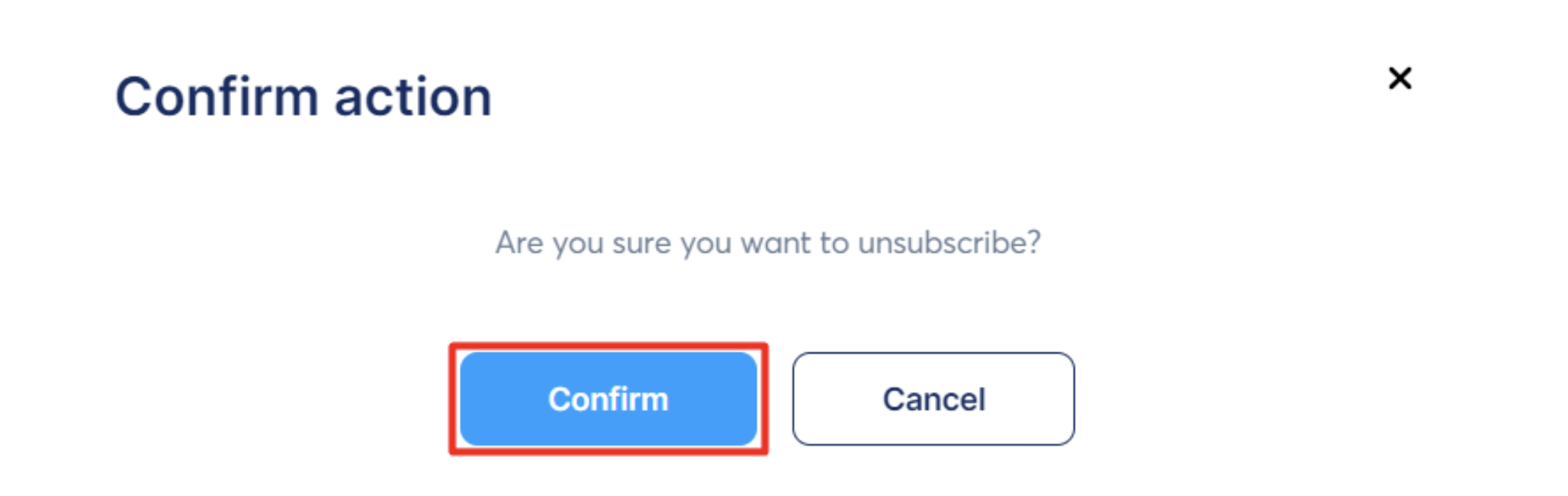
A popup will be displayed asking to confirm the cancellation. Click "Confirm" to cancel your subscription.
If you have any problems whatsoever - feel free to email support@jgoot.com. Someone will get back to you no later than the next business day.