1First, find this Calendly email in your inbox.

2Next, open it and click the blue “Join now” link.
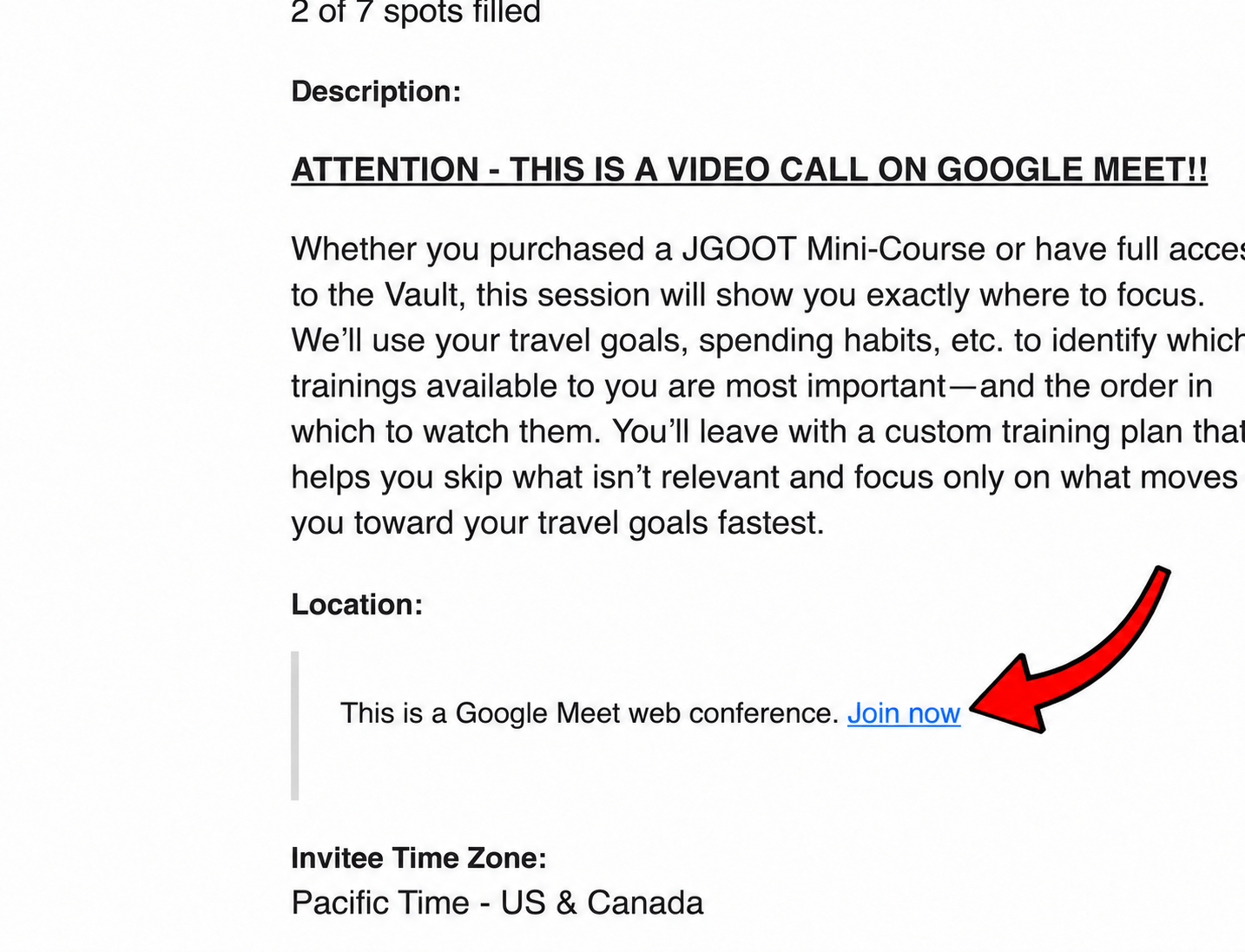
You can't join the video call without this.
This is a Google Meet video call, not a phone call.
When it arrives in the next 24 hours (our team creates these custom-tailored to your travel goals), open the links and get familiar with logging in to the course you purchased before the call.
This is a small-group call that starts promptly and cannot wait for late arrivals. Make sure your camera, microphone, and internet connection are working before the call begins.
We’re looking forward to seeing you there.