
Unsubscribe To Marketing Email Instructions
Thank you for joining the JGOOT Affiliate Program!
By signing up for the JGOOT Affiliate Program, you have to create an account with our host platform - Systeme.io (if you have not set up an account yet, you can get instructions for that here).
Unfortunately, this allows Systeme.io to send you marketing emails. In order to unsubscribe from those emails, please follow the instructions below.
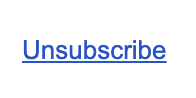
Check for an email from the sender "Aurelian at systeme.io" and click the unsubscribe link at the bottom of the email. It looks like this:
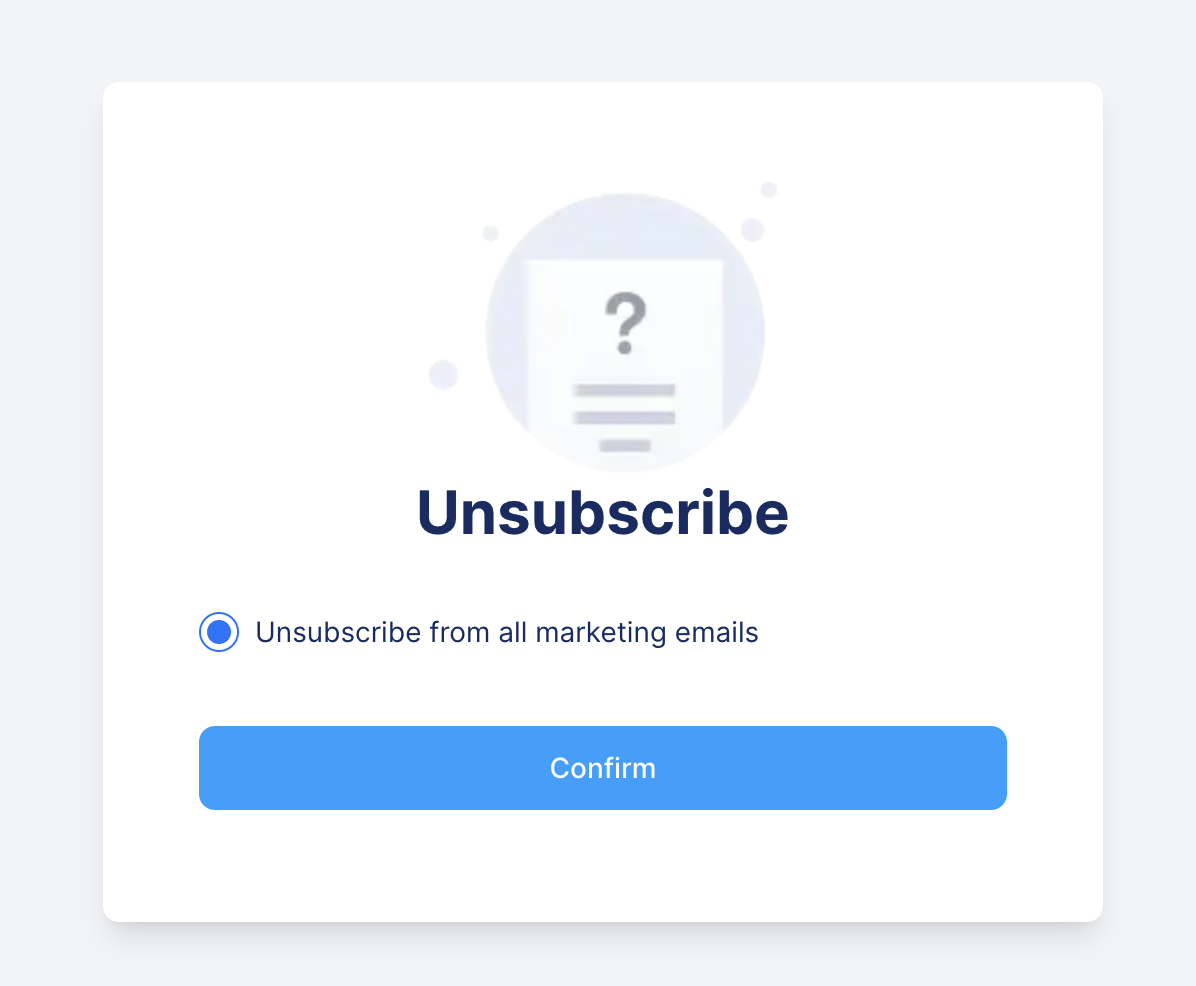
Clicking that link (in the Systeme marketing email) will take you to this screen. Please click "Confirm."
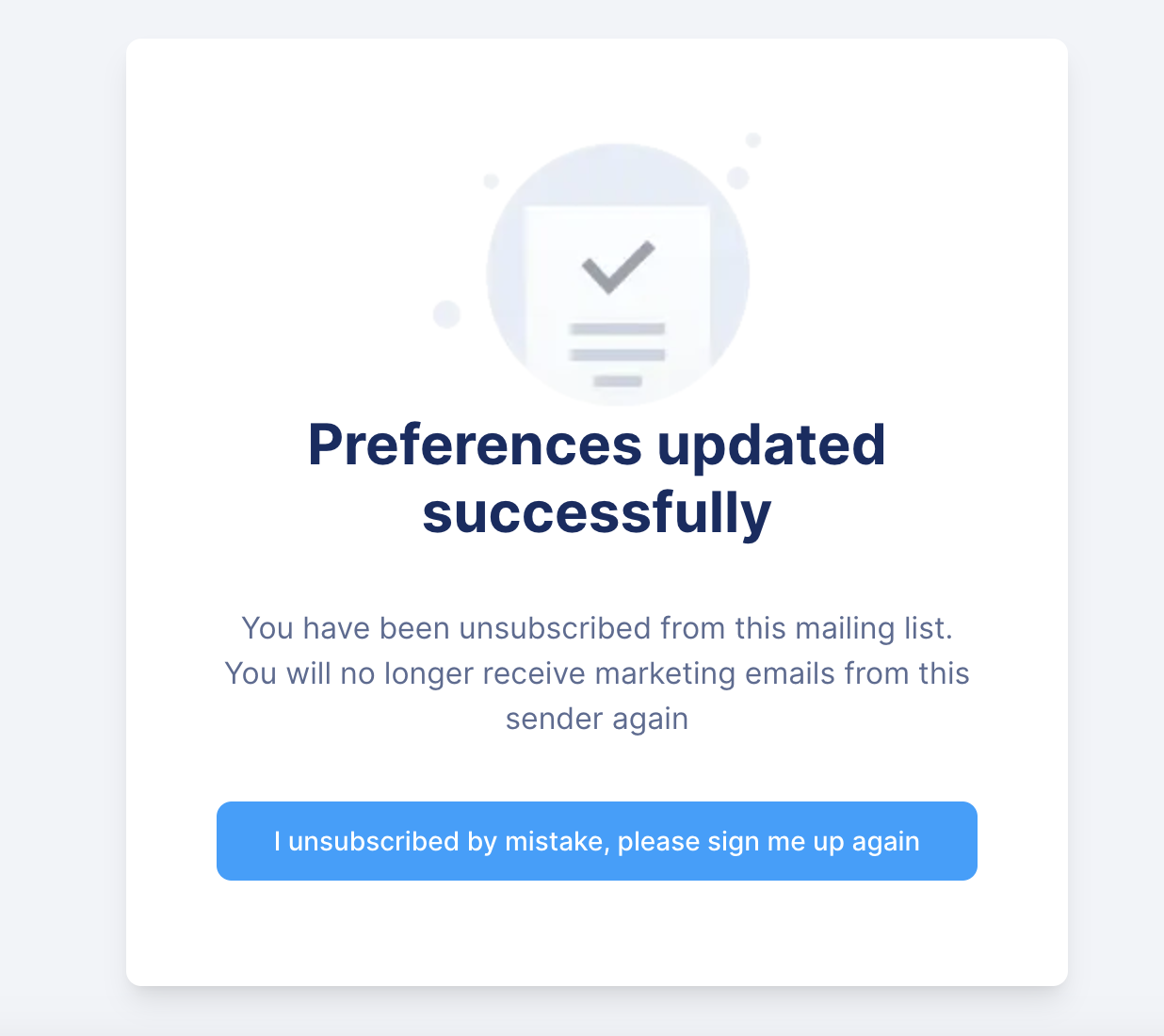
Once you see the confirmation screen, you will have successfully unsubscribed from Systeme.io marketing emails, and you will continue to receive updates from the JGOOT Affiliate Program. Thanks for your understanding and patience!
If you have any problems whatsoever - feel free to email support@jgoot.com. Someone will get back to you no later than the next business day.